> For the complete documentation index, see [llms.txt](https://wallee.gitbook.io/documentation/llms.txt). Markdown versions of documentation pages are available by appending `.md` to page URLs; this page is available as [Markdown](https://wallee.gitbook.io/documentation/payments/integrations/subscriptions/subscribers.md).
# Subscribers
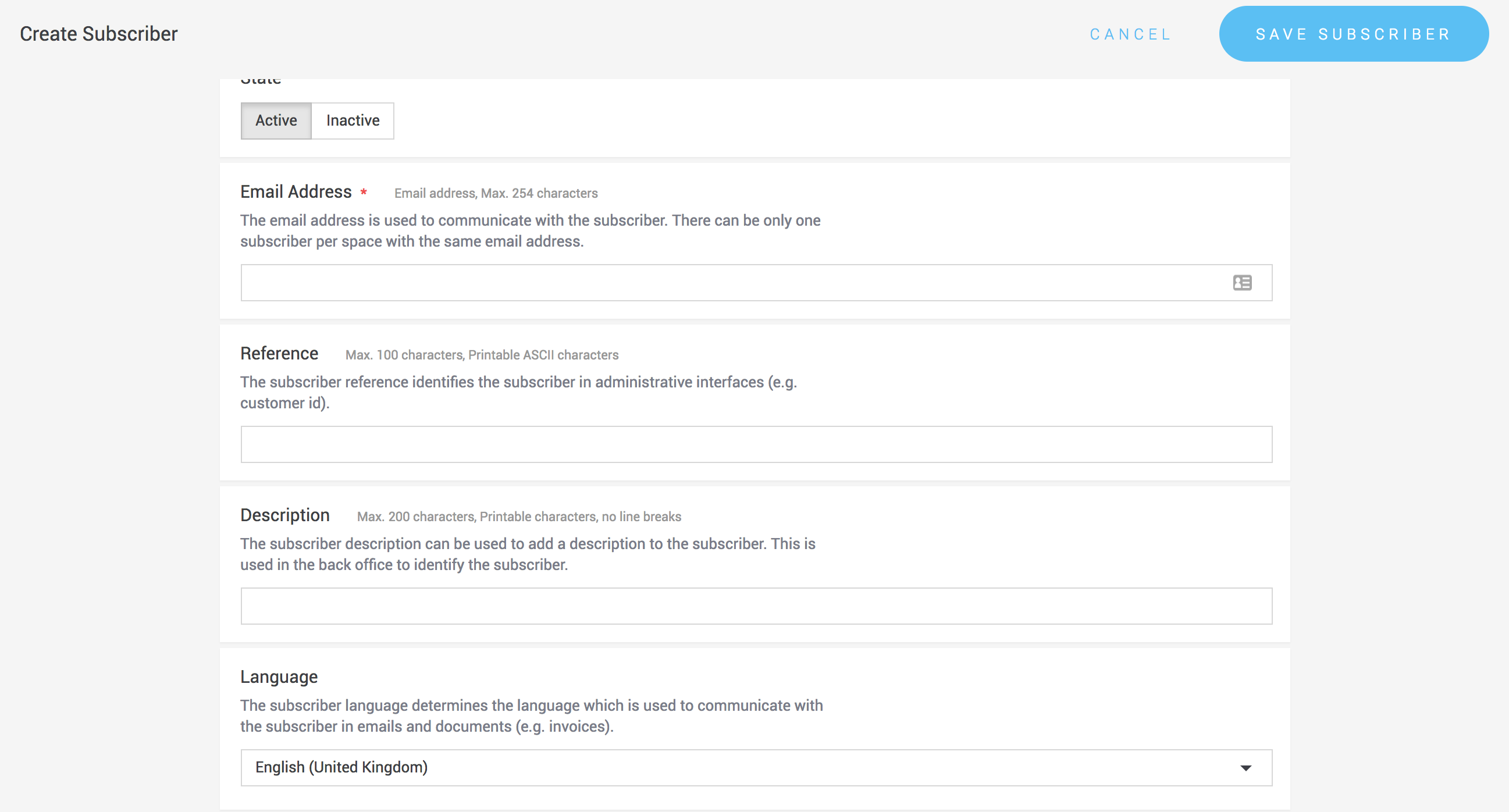
A **subscriber** represents your actual customer. It provides a central object for managing customer data and processing subscription payments.
Typically, you will store additional information on the subscriber object, such as:
* Address details
* An `external_id` that identifies the subscriber in your system
{% hint style="info" %}
An email address is a required field for every subscriber.
{% endhint %}
### Create a subscriber in the portal
You can create subscribers under **Space > Subscriptions > Subscribers** — open the [subscriber list](https://{inject-platform-url}/space/select?target=/subscription/subscriber/list).
When creating a subscriber, you can explicitly allow or disallow payment methods for that subscriber, overriding the configuration on the subscription product.
{% hint style="warning" %}
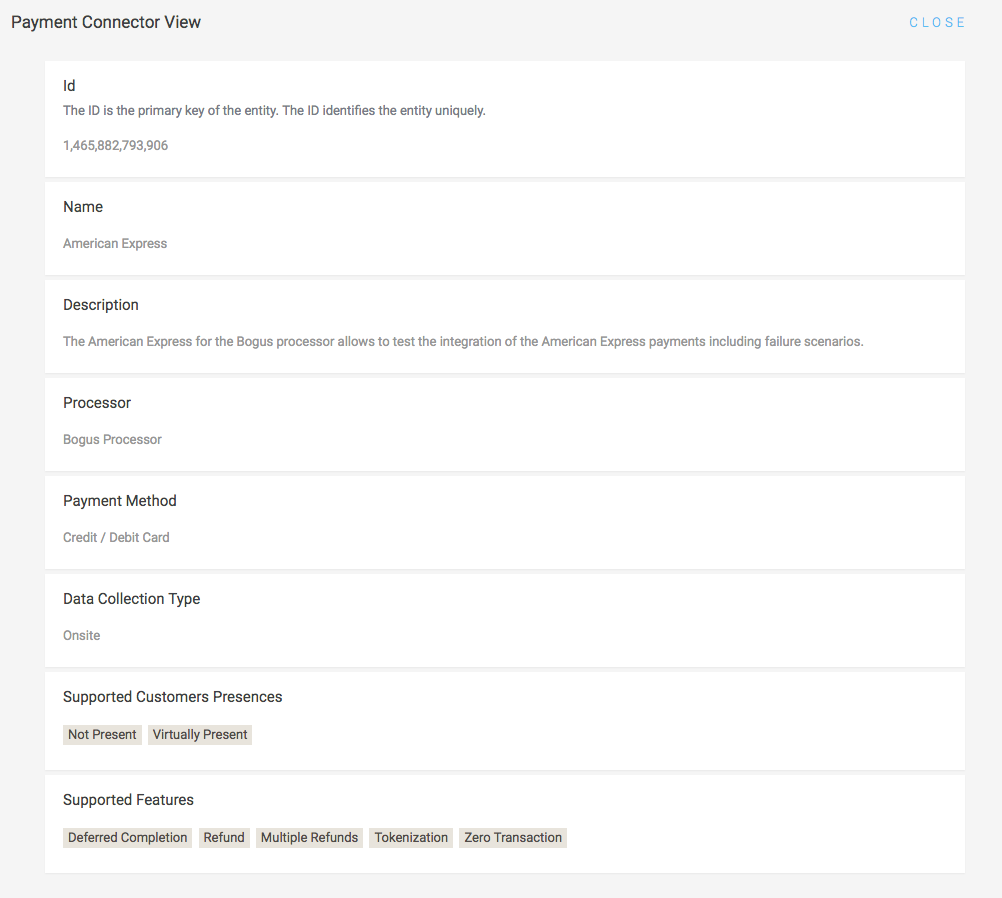
Subscriptions can only use connectors that support **tokenization**, because the payment details are stored once and charged again later. Whether a connector supports this feature is stated on its [connector information page](https://{inject-platform-url}/doc/api/processor/list). See also [Tokenization](/documentation/payments/integrations/features/tokenization.md).
{% endhint %}
Provide as much information as possible when creating a subscriber. If additional data is required to process a payment with a specific payment method, it will be requested during the payment process.
### Create a subscriber via the API
Subscribers can also be created using the [Subscriber Service](https://{inject-platform-url}/doc/api/web-service#_subscriberrestservice) of the [Web Service API](/documentation/developer-tools/api-reference/web-service-api.md).
Once created, the subscriber can be linked to a [subscription](/documentation/payments/integrations/subscriptions/subscriptions.md) (plan) by creating a subscription object.
**Example request**
```json
{
"billingAddress": {
"city": "Winterthur",
"country": "Switzerland",
"emailAddress": "jane.doe@example.com",
"familyName": "Doe",
"gender": "FEMALE",
"givenName": "Jane",
"postcode": "8400",
"street": "Example Street 47"
},
"emailAddress": "jane.doe@example.com",
"externalId": "customer-nr-101",
"reference": "customer-nr-101",
"shippingAddress": {
"city": "Winterthur",
"country": "Switzerland",
"emailAddress": "jane.doe@example.com",
"familyName": "Doe",
"gender": "FEMALE",
"givenName": "Jane",
"postcode": "8400",
"street": "Example Street 47"
}
}
```
**Example response**
```json
{
"additionalAllowedPaymentMethodConfigurations": [],
"billingAddress": {
"city": "Winterthur",
"emailAddress": "jane.doe@example.com",
"familyName": "Doe",
"gender": "FEMALE",
"givenName": "Jane",
"postcode": "8400",
"street": "Example Street 47"
},
"disallowedPaymentMethodConfigurations": [],
"emailAddress": "jane.doe@example.com",
"externalId": "customer-nr-101",
"id": 1,
"linkedSpaceId": 1,
"reference": "customer-nr-101",
"shippingAddress": {
"city": "Winterthur",
"emailAddress": "jane.doe@example.com",
"familyName": "Doe",
"gender": "FEMALE",
"givenName": "Jane",
"postcode": "8400",
"street": "Example Street 47"
},
"state": "ACTIVE",
"version": 1
}
```
### Delete a subscriber
**In the portal:** open the [subscriber list](https://{inject-platform-url}/space/select?target=/subscription/subscriber/list) under **Space > Subscriptions > Subscribers** and click the **Delete** button for the subscriber you want to remove.
**Via the API:** subscribers can also be deleted through the [Subscriber Service](https://{inject-platform-url}/doc/api/web-service#_subscriberrestservice).